Scope creep is good
Scope creep is something teams actively try to avoid. This means prioritizing only core functionality, often at the expense of usability improvements, delightful details, and design polish.
This tradeoff between speed and quality isn't great for designers. It results in noticeable gaps between polished designs in Figma and what actually gets shipped. If you're a designer, you've probably heard, "we had to cut that in development" more times than you'd like.
It doesn't have to be this way.
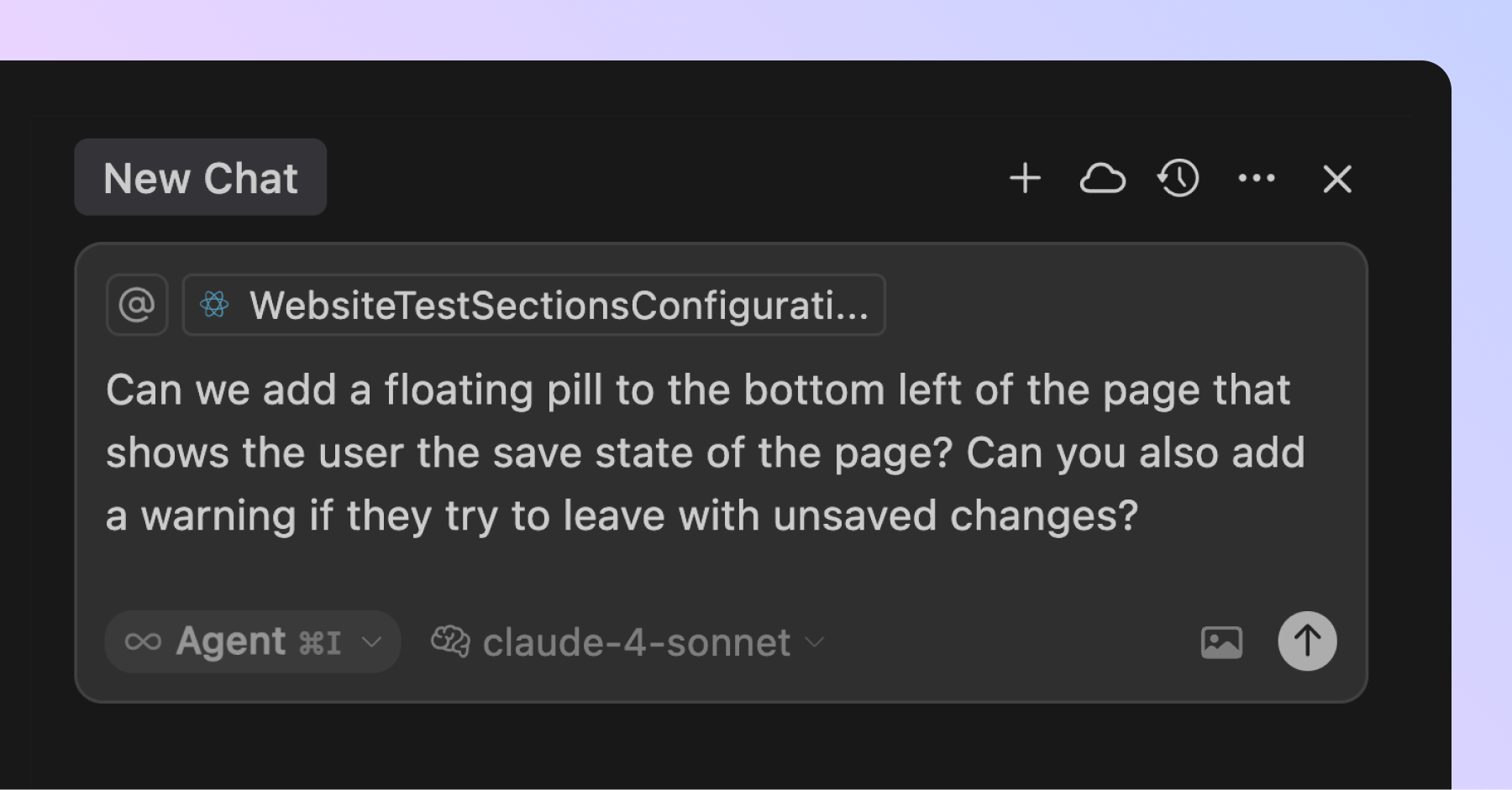
AI coding tools like Claude Code and Cursor now make it easy to add incremental improvements during development. If you notice an opportunity to improve the product experience, addressing it can be as simple as typing a prompt into Cursor.
This fundamentally changes the way teams can approach building products:
- Designers can spend less time refining static mockups in Figma and collaborate sooner with engineers on live versions.
- Designers and engineers can test and iterate together in code, quickly identifying and acting on opportunities for refinement and polish.
- Designers with basic programming knowledge can directly use AI-powered coding tools to fine-tune animations, fix UX issues, or even ship new features.
In this new context, scope creep becomes a genuine opportunity to improve product quality before features ship. WIth help from AI, teams can identify and actualize improvements in the same amount of time it takes to argue about prioritization.
As a result, teams can ship better products within the same timelines and have more fun doing it.
The compounding effect of scope creep
This approach enables your product to steadily improve in ways traditional prioritization methods don't allow.
Great products emerge when teams consistently attend to the details: visual polish, intuitive interactions, micro-animations, clear loading states, helpful error messages, and thoughtful UX touches. These improvements are often labeled as P2s or P3s and pushed off the roadmap.
If you ignore them, your product quietly accumulates design debt. But if you consistently make time to address them, your product steadily becomes more user-friendly and gains a reputation for being well-crafted.
Fortunately, AI makes this easier than ever. Designers can help lead this shift by taking ownership not just of their Figma designs, but of the actual user experience in the live product.
How to put this into practice
If you're a designer, start by pairing with engineers to test features directly in their local environments. Flag areas for improvement, write AI-assisted prompts together, and watch changes get implemented in real time.
Once you're comfortable with the basics, ask an engineer to help you set up your own development environment. Run branches locally and directly make UI improvements to features in development.
As your confidence grows, so does your impact. Beyond refining what's already built, you can start opening your own pull requests to ship features and fixes. Designers are uniquely good at AI-assisted coding; they can spot UX problems first and articulate solutions clearly.
Closing thoughts
AI is blurring the boundaries between roles, especially around development. For designers, this opens the door to shape not just what gets designed, but what actually ships. When designers can build alongside engineers, scope creep that improves the user experience isn’t a problem, it’s a superpower.